Sharpen a photo in one click.
Slightly blurry, small, compressed or old photos. Upload it and press one button: there’s nothing to mark. The AI recovers detail and, if the photo is small, enlarges it up to four times.
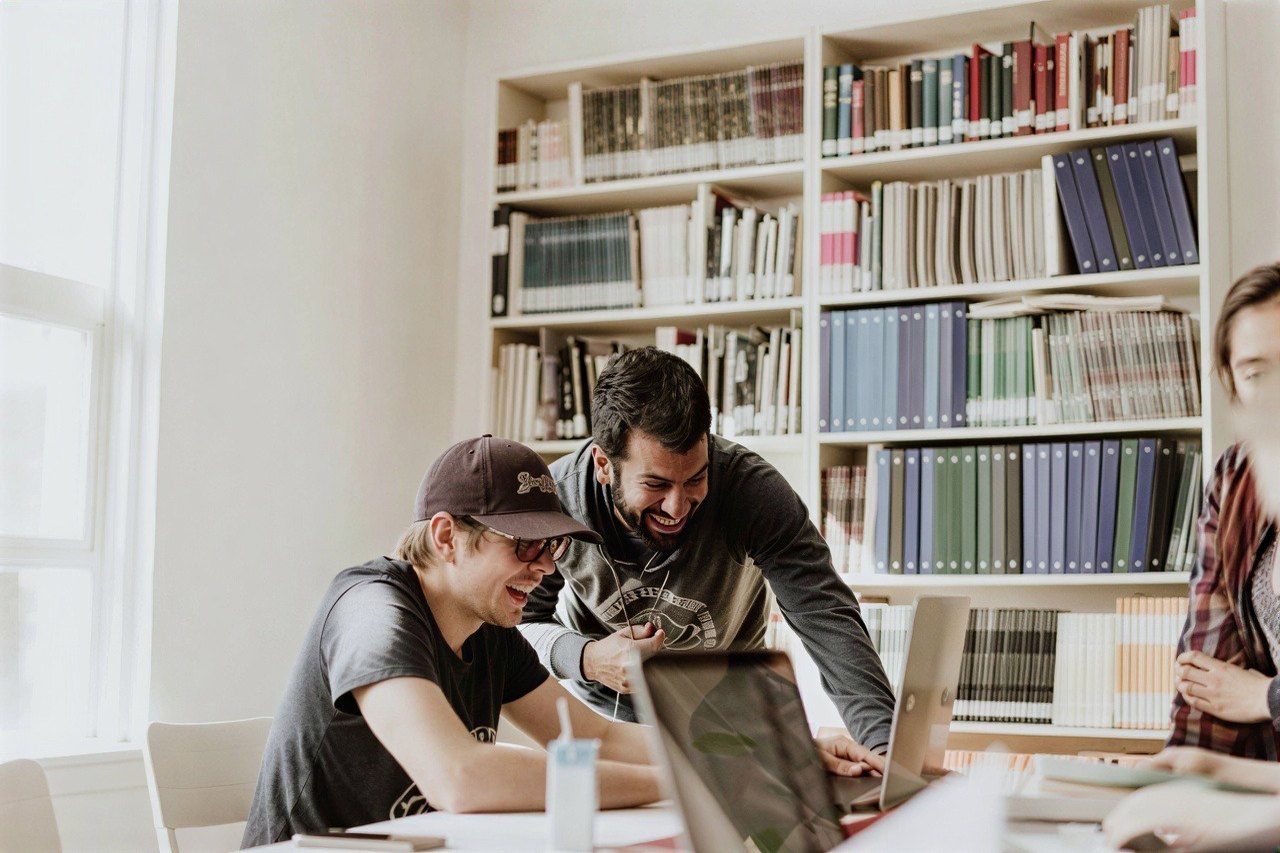
Compare for yourself.
Drag the line across the photo: the original on one side, what Nítida delivers on the other.
How it works, step by step.
Upload your photo
Drag it in and that’s it. No account or email needed yet.
Choose the quality
Normal, included in the free trial, or maximum, truer to faces and lettering, with your paid access.
Press “Sharpen photo”
No need to mark anything: the AI works on the whole photo.
Compare and download
With normal quality you see the result next to the original before paying anything.
What it handles well, and what’s harder.
If normal quality changes a face or some lettering, try again with maximum. Each new attempt uses credits; you only pay for the image if you download it.
What you pay, in full.
One payment for your first week: high-quality download, 7 days of access to all the tools and 10 credits.
Edit my first photo Then a monthly subscription with 120 credits. Cancel online anytime. Secure payment with Stripe.A credit is charged once per image, when it’s processed. Downloading it afterwards costs nothing more. Processing it again for a different result does, because it’s a new job.
The usual questions.
What’s the difference between normal and maximum quality?
Normal costs 1 credit, is included in the free trial and makes the photo very sharp, but on faces and lettering it can invent a little detail. Maximum costs 2 credits, is truer to faces and lettering and takes about 20 seconds. It’s included with paid access.
Can it fix a very blurry or shaky photo?
Not entirely. It greatly improves photos that are slightly soft, small, compressed or old. If the photo is very shaky or very out of focus, the AI rebuilds the detail instead of recovering it, and a face can change slightly. The free preview lets you see it before you pay.
Does it also enlarge the photo?
Yes. Small photos are enlarged up to four times, up to 2400 pixels on the long side in the high-quality download.
Do I have to mark anything?
No. Upload the photo, choose the quality and press “Sharpen photo”. The AI works on the whole photo.
Can I see the result before paying?
Yes. We process your image and you see all of it, with a watermark, next to the original. You only pay if you want to download it clean. You get 2 free tests.
What does the $1.95 payment include?
It’s your first week at a 96% discount: instead of $49.95, you pay just $1.95. For those 7 days you get full access to all the tools, 10 credits and your first high-quality download included. When the week ends, the discount ends and the regular subscription starts: $49.95 a month with 120 credits, unless you cancel before. Before you pay we show you the exact date of the first monthly charge, and you can cancel online at any time.
How do I cancel?
From your account, with the “Cancel subscription” button. Two clicks. You keep access until the end of the period you already paid for.
What happens to my photos?
They’re private and we don’t use them to train models. They’re processed to give you the result; the image retention notice explains how long anything is kept.
Can I edit images that aren’t mine?
Only if you have the necessary rights, licences or permissions. We explain it in the responsible use section at the bottom of the page.
Try it with the photo you have open right now.
Upload it, press “Sharpen photo” and see the result. Decide afterwards.
Upload a photo